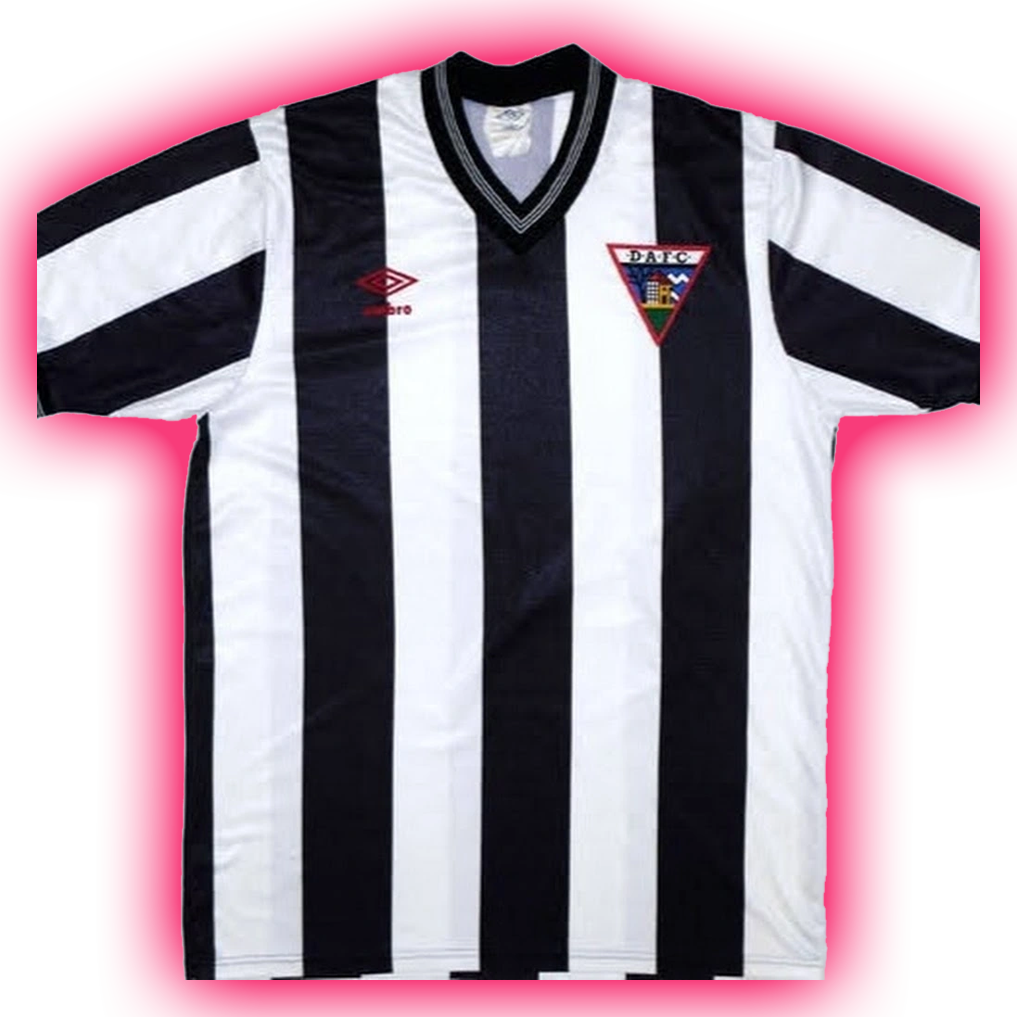
An arrow pointing into a folder, similar to this. Sidesteps the tech issue altogether.

I mean, you’re just replacing one archaic symbol with another.
I still use folders to organize paper documents. Taxes and medical stuff mostly.
Normal people call computer directories ‘folders’.
Which predate computers and floppy disks
I agree. I heard recently a lot of kids under 20 grew up in an iPhone, iPad, and chrome world and never learned “folder” or directory concepts so it’s a tough transition in the work world. Paper organizers are not nearly as ubiquitous as they once were.
It connects it to another computer symbol, the folder which is seen plenty of times as the thing containing files. It’s a solid solution.
Isn’t that used as an icon for moving a file from one folder to another?
i think in that case your should first click on a “folder with arrow going out” (move out) icon before given this one to move into another directory. so the context is clear.
Yeah, if an open folder icon means ‘open a file’, then this inversion means saving the file.
That’s a good one for local storage.
Some software uses that arrow with a cloud to say it’s saved into the cloud.
We should do away with directories. Just one big block of files.
Screw multiple files, just use one big one. Just append anything you want to add and you’ll have everything in 1 spot
Makes sense. Then you can add some kind of index to the file so you can jump to the parts you want. Just track a list of chunks, so they don’t have to be contiguous.
Yeah, and we could give that huge file some kind of internal and logical structure to find those chunks, maybe something hierarchical with human readable names!
Yeah! Now we’re cooking! I bet we could really improve resiliency and seek times with different data structures, too. B trees?
Or maybe we could keep the flat structure and have some kind of syntax for querying the data… some kind of structured language.
You’ve basically invented OneNote
Crap, I was hoping to invent file systems.
Easy to find saves time
PalmOS actually did that. Programs had records saved in a central database, not files.
deleted by creator
Yes look everything up by
keyworddescribing its contents to AI agent.
Yea replace the 90s tech icon for the filing cabinet paper folder , from who knows when. It’s actually a good suggestions this technology still hasn’t disappeared. But it will soon, as foretold by the paperless office prophecies. So I think a half buried treasure chest icon would be better as a forever lasting icon.
Is there an icon that expresses the default cloud save location as well as the circuitous GUI you need to navigate yo select your desired location on local storage?
I reject the question. That’s not a picture of a floppy disc, that is the glyph that means save
You literally called it the save symbol. And that’s what it is…100 years from now, if we’re still around and still have computers, the save icon will still be some stylized glyph based on the floppy disc
The existence of the floppy disc is already just a bit of trivia about the save icon
It’s like asking what we should change the Bluetooth symbol to? Why do you yearn for the world to burn?
An icon can be any random glyph, but it has to stay recognizable and consistent in meaning, that’s the entire concept here

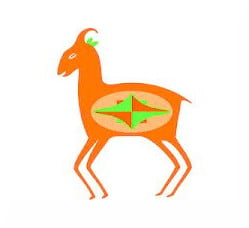
By OP’s logic, this
#A
is a drawing of an ox head.
What till people find out what “dashboard” originally meant.
Hope you are right.
But really the Save icon will become: ✨
thats’s the Google AI icon
“All your base (data) are belong to us” -Google AI
Why you want to save file if you can just feed if you ai and let it hallucinate if you want to read it
… Why is the generative llm glyph here? nervous
You can’t just jump to the future, so use this one for the next decade:

… but platter drives are old hat, SSDs are the new hotness?
Can’t skip a generation, gotta go from the floppy disk icon to the HDD icon for a while first.
Forgot about Zip drives.
Meh, just a hard floppy. Although I really did appreciate my Zip 100 drive for that storage space before writable CDs came along.
That’s the joke.
But hard drives came first.
Well it’s not a very good one.
Isnt this just a hdd platter?
Oh wait im dumb its a 75 record
Hard drives pre-dated floppy discs by 15 years.
I bow to thy argumentation. This be-eth the way
SD card. Half us old timers won’t even realize it’s not a floppy disk.

Yet 90% of young people won’t know what it is because digital cameras have been replaced by phones and phones no longer have microSD lol
Gotta give the next gen something to complain about.
In the dystopia of outer-worlds-esque orwellien-surveillance corporate feudalism it looks like they will have to endure, I think we can afford to lighten up on them 😂
Digital cameras are in style again. I’ve seen screenless ones for sale at several places these past few weeks.
I would also accept any other recognizable, removable media. Even a generic USB stick would be more relevant than a floppy disk.
every letter in the alphabet started as a symbol of something 2500-6000 years ago, “A” for instance is an upside-down Ox head. people in future generations will continue using the floppy symbol, cuz they learned that means saving, despite floppies not being relevant to their lives
A crucifix…
…because Jesus saves.
And takes half damage
When jesus saaaay “yes”, nobody can’t say “you don’t have the permissions to write on this volume” 🎶
Early, and often.
And saves you from swearing…
I think we should just keep the floppy disk symbol at this point, because it doesn’t matter what it was originally based on or whether that exists any more–everyone knows what that symbol means, and it can’t really be confused with anything else.
There’s no point making an icon that looks like any other particular kind of storage device since those are changing all the time. So we either have to pick some real world thing like a safe or warehouse or grain silo or whatever. or invent some completely new symbol that’s not related to anything and then everyone would have to learn it. Which takes us back to just keeping the floppy disk symbol.
grain silo
This is a hilariously awkward suggestion. At the scale of the average save icon, what do you think a grain silo symbol would look like?
like this?

drawing a grain silo doesn’t mean you have to draw the grains.
Honestly probably the most universally recognizable save symbol in the end, certainly if I had to go back in time and establish contact with an ancient people and teach them Intuit Quickbooks or other tax accounting software to run a cutthroat tax accounting operation using timetravel to access low cost labor that would be the icon I would choose for saving.

This makes me think “new file”
Timeless. Ubiquitous. Mandatory for all of K-12 and often beyond. Perfect.
This gives Calibre FOSS vibes.
A scroll and quill is a pretty good idea, but it’d be better as something more squarish than irregular, I think.
I agree. I made this jokingly, but a number of people seem to actually like it. I also started thinking on how to improve it immediately after I made it lol.
Nobody else immediately thought of this?

Incremental save needs to be Buddha
A squirrel, as in to squirrel it away
Best answer, but the save button should save the file somewhere random each time on the storage if the icon is a squirrel.
So, like my work computer then
Doesn’t everybody save stuff somewhere in the mess that is their desktop?
Kind of just sounds like OneDrive.
They’ll get it for you if you want it, but you don’t get to know where it’s actually stored (or who else is accessing it).
Best answer! Btw, have you seen my file?
Where’s your file dude?
Sorry for not submitting my homework on time. The squirrel took it away, never to be seen again.
Something completely abstract, like this
That’s a download button
To download is still to save to one’s disk.
Not if you’re saving to the cloud…
That’s called an upload, literally the opposite
A download is an upload viewed from the other end.
If you’re not on either end - saving cloud to cloud… It makes less sense.
Saving can be either upload or download… Saving is saving.
By your argument, saving to a nas is uploading too just because the storage isn’t local.
Then it points up.
You upload to save to the cloud
From where to where and how is that uploading from your perspective? What if you save from cloud to a local nas or a remote nas.
Saving is saving. Download and upload are relative.
You have multiple scenarios. Save…
- from memory to disk
- from cloud to disk
- from memory to cloud
- from cloud (their memory) to cloud (their disk); kind of unusual these days but it’s a scenario that’s not always automatic.
You think these all apply to the concept of “download”?
I said none of that. I don’t know why you’d assume any of the above from an obviously simplified laymans’ explanation of the concept of a download. I’m well aware of this, but my target audience may not be. Write for your audience, not for you.
But why are you focusing on the download aspect? The subject at hand is an icon for saving, and saving can happen as in those several scenarios, if not more.
So, do you think a download icon like that fits them all? Especially those that don’t involve your local disk at all?
Let’s stick to the subject, above injecting tangential technical correction asides. 👍
*Because *I replied to a comment that says “that’s a download button”.
I made no other comment, and what I said is correct.
I’m blocking you to stop you from wasting any more of my time because you can’t read.
lol, but when they said “that’s a download button”, they meant that it doesn’t make sense as a save button, for those reasons I mentioned.
You can’t read.
Downloading is specifically not saving in this metaphor. That’s essentially making a record copy, not overwriting the source.
I’ve seen something like that used, and I think it fits the bill just fine!
Agreed, but make the bottom bit look like a drive or server (e.g. a rectangle with a dot or two).
Chrome uses that for “download”.
Which is essentially what saving is.
Mmm … not exactly. If I’m creating a document in a local application, “download” is not applicable there, where “save” is.
For 99% of users, the specifics make no difference at all.
It’s closer to reality than a floppy disk icon, that’s for sure.
They meant that downloading is a type of saving.
A CD image. Got to move with the times.
Isnt it the glorious zip disks turn first?

What a save!
Chat disabled for 3 seconds.
Okay.
Wow!
This is the correct answer.
Let’s be real, when some shitty company (MS) gets around to it, it will be: ☁️⬆️
A safe or vault symbol as an indicator for safe keeping