I know this is the wrong audience, but you can type cmd into explorer’s address bar and it will launch a terminal in that directory (I think this works with any command in your path)
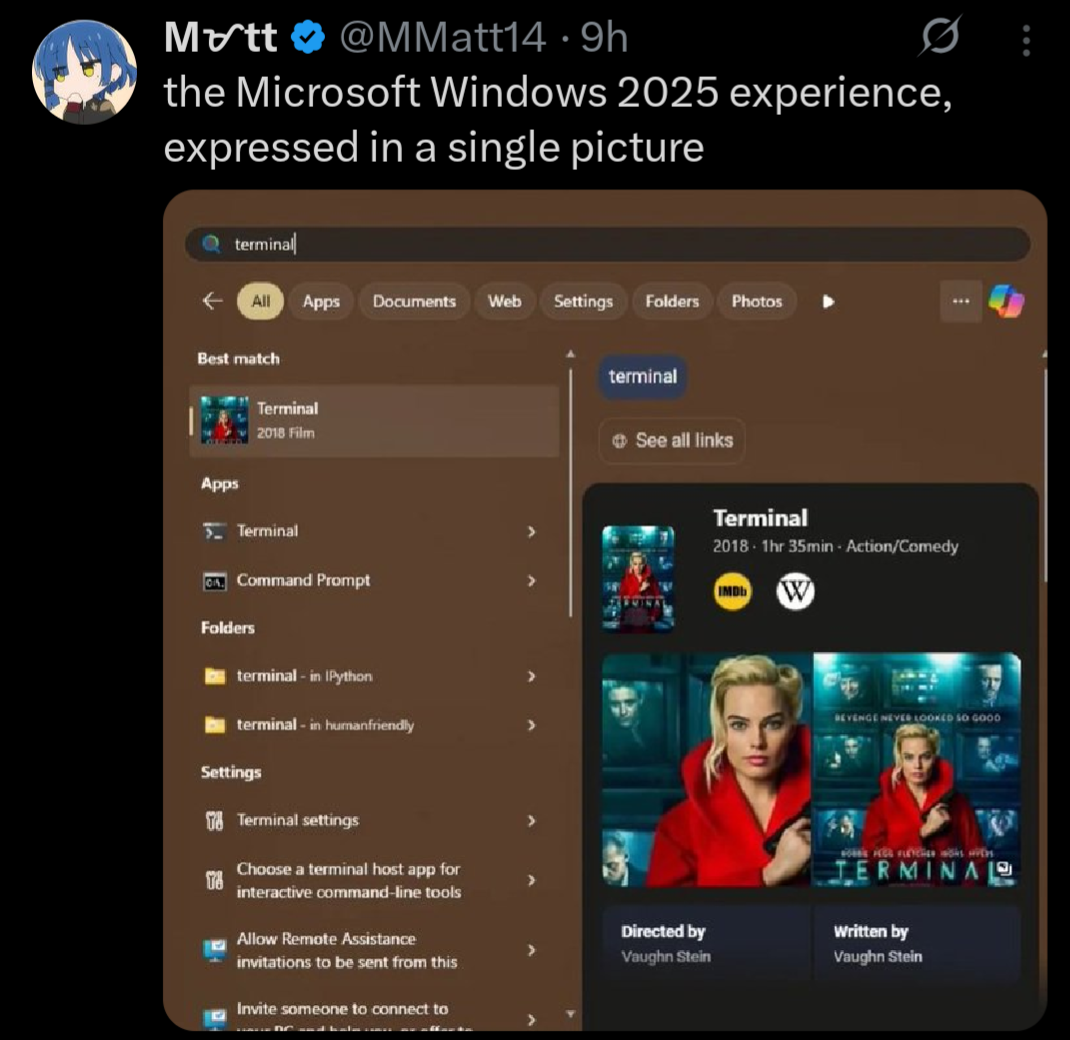
Indeed. Also, tried this when I saw it and was surprised that, not only did the Terminal app show up first, but I saw no ads in the start menu at all. Turns out the settings I set on my Windows 11 partition back in 2022 are still there, and I just don’t see stuff like this.
Like yes, I prefer Linux and wish Windows 11 didn’t have so much crap like this, but… It’s so easy to turn most of it off and move on. Changed them once when I set up this machine and haven’t touched them since. Maybe I’m lucky, but I never had an update change back settings, either.

I know this is the wrong audience, but you can type cmd into explorer’s address bar and it will launch a terminal in that directory (I think this works with any command in your path)
Indeed. Also, tried this when I saw it and was surprised that, not only did the Terminal app show up first, but I saw no ads in the start menu at all. Turns out the settings I set on my Windows 11 partition back in 2022 are still there, and I just don’t see stuff like this.
Like yes, I prefer Linux and wish Windows 11 didn’t have so much crap like this, but… It’s so easy to turn most of it off and move on. Changed them once when I set up this machine and haven’t touched them since. Maybe I’m lucky, but I never had an update change back settings, either.
I still need to use Windows for work so I appreciate it, I didn’t know that one
this is actually incredible, thanks
I’m more of a shift-right click > PowerShell kind of person, but this is good to know
I’m a windows key “cmd” enter person