I give up trying to fix the formatting. I had it right, but then adding the image, fucked everything up again, and now blorp crashes when I try to edit it again.
I guess this will be one of the rare cases when you do have to read the article in order to be informed instead of just the comments.
I cleaned it up. Your editor doesn’t like to nest formatting apparently. Using an editor that lets you write the markdown directly is probably better, and you are probably already familiar with markdown anyway, since it’s used all over the place.
There were - and still are - many false-positives reported in the previous version v8.8.2, by the antivirus software due to the absence of Windows code signing certificate.
How to install the root certificate:
Double-click the certificate, it may tell you it’s invalid, ignore that and click: “Install Certificate…”.
In the Certificate Import Wizard, select “Local Machine”, then click Next.
If prompted by UAC (optional, depending on admin Previleges), click Yes.
Choose “Place all certificates in the following store”, then browse and select “Trusted Root Certification Authorities”. Click Next.
On the final page of the wizard, clickFinishto complete the installation.For detailed instructions, see Notepad++ User Manual.
We’re still trying to obtain a certificate issued by conventional Certificate Authorities, for a better user experience. But let’s be honest: it’s probably not happening. Notepad++ isn’t a business - it’s certainly not an enterprise - and apparently, that makes a popular open-source project invisible to their gatekeeping standards.
If the “gatekeepers” won’t issue a certificate under the name we deserve - so be it. At least it spares us from wasting time and energy on a frustrting process that demands we beg for a new certificate every 3 years. The Notepad++ Root Certificate may not carry their approval, but it leads us to freedom.
Edit (2025-12-03): Starting with v8.8.7, Notepad++ binaries - including the installer - are digitally signed using a legitimate certificate issued by GlobalSign. As a result, Installation of the Notepad++ root certificate is no longer required. We recommend that users who have previously installed the root certificate remove it.
Blorp lets you edit markdown directly. Theres an icon button to switch to the raw markdown editor (look for the M⬇️ icon). I assume you’re not using Blorp, but for anyone else reading this.
Select the text starting with 2025-07-09 and ending with We recommend that userswho have previously installed the root certificate remove it.
Switch back to Blorp, and start your comment with a >
Blorp automatically converted this into a quote block. Everything is good so far
Paste the formatted text from the webpage.
Notice that there are some problems converting the formatted text into markdown: strikethroughs are inconsistent, codeblocks are present when none exist in the copied text, etc.,
Switch to editing markdown mode in the bottom right corner
Clean up the formatting – remove the code blocks, clean up the strikethroughs so they match the website
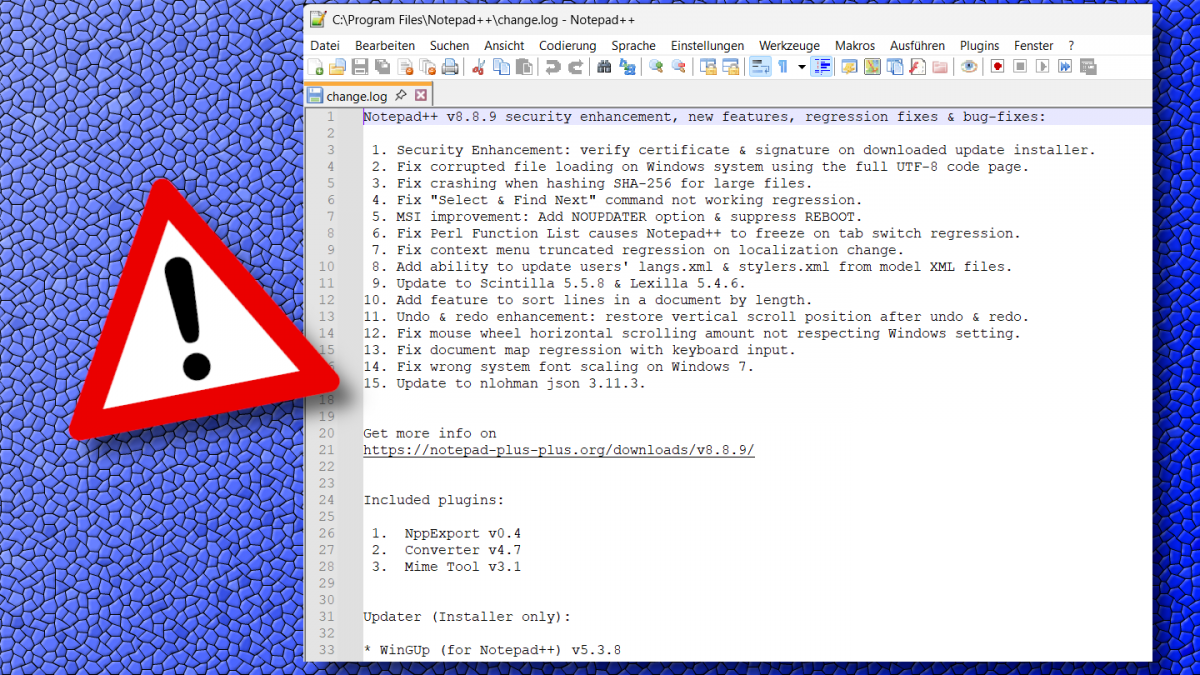
Save the image from the notepad++ website
Switch back to visual mode
Place the cursor where the image should go, put in a few line breaks (should still be within the nested quote)
Upload the image
Blorp becomes unresponsive
Closing and reopening the app gets it responsive again, but it goes unresponsive any time you edit that comment.
Let me know if this helps of if you have any advice for how to make bug reports!
Idk if you have professional experience writing tickets, but this is very well written. Most people just write “the screen is blank” lol. It will take me a little time to dig into this, but that you for the instructions!


I give up trying to fix the formatting. I had it right, but then adding the image, fucked everything up again, and now blorp crashes when I try to edit it again.
I guess this will be one of the rare cases when you do have to read the article in order to be informed instead of just the comments.
I cleaned it up. Your editor doesn’t like to nest formatting apparently. Using an editor that lets you write the markdown directly is probably better, and you are probably already familiar with markdown anyway, since it’s used all over the place.
Blorp lets you edit markdown directly. Theres an icon button to switch to the raw markdown editor (look for the M⬇️ icon). I assume you’re not using Blorp, but for anyone else reading this.
Thank you kind stranger
Blorp dev here. I would love to fix this bug. If there’s any chance you could type out instructions to recreate the crash, I’ll get this fixed ASAP.
Thanks! Here’s how you can try to replicate it:
2025-07-09and ending withWe recommend that users who have previously installed the root certificate remove it.Let me know if this helps of if you have any advice for how to make bug reports!
Idk if you have professional experience writing tickets, but this is very well written. Most people just write “the screen is blank” lol. It will take me a little time to dig into this, but that you for the instructions!