Select the text starting with 2025-07-09 and ending with We recommend that userswho have previously installed the root certificate remove it.
Switch back to Blorp, and start your comment with a >
Blorp automatically converted this into a quote block. Everything is good so far
Paste the formatted text from the webpage.
Notice that there are some problems converting the formatted text into markdown: strikethroughs are inconsistent, codeblocks are present when none exist in the copied text, etc.,
Switch to editing markdown mode in the bottom right corner
Clean up the formatting – remove the code blocks, clean up the strikethroughs so they match the website
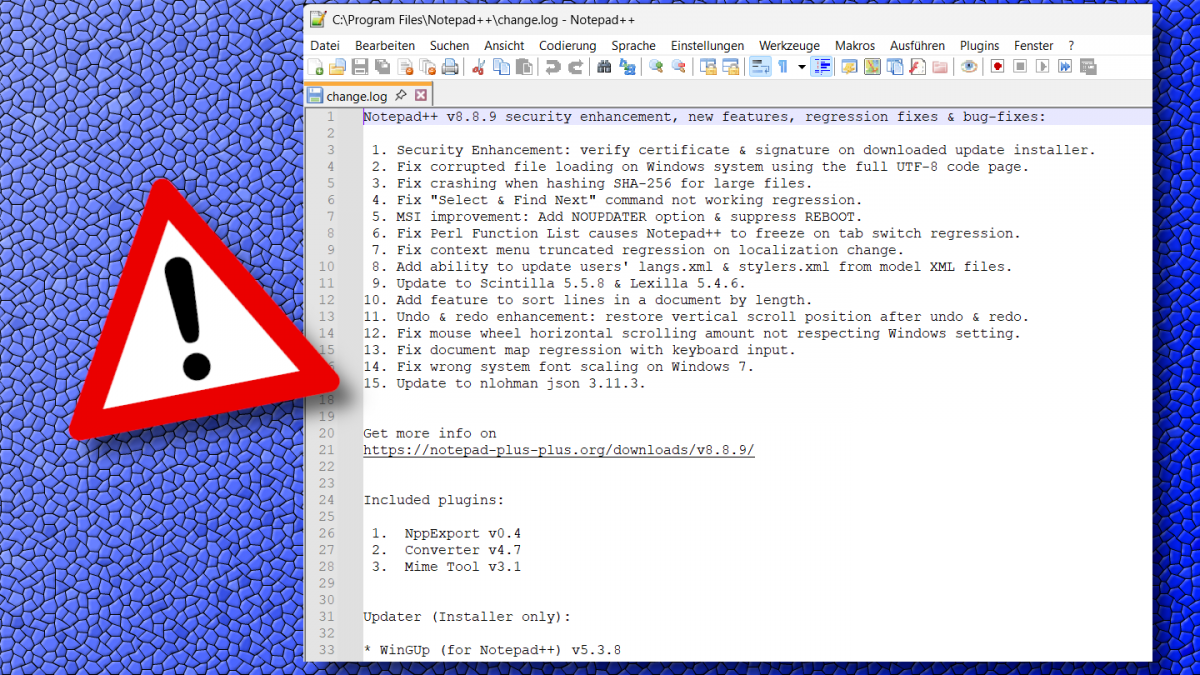
Save the image from the notepad++ website
Switch back to visual mode
Place the cursor where the image should go, put in a few line breaks (should still be within the nested quote)
Upload the image
Blorp becomes unresponsive
Closing and reopening the app gets it responsive again, but it goes unresponsive any time you edit that comment.
Let me know if this helps of if you have any advice for how to make bug reports!
Idk if you have professional experience writing tickets, but this is very well written. Most people just write “the screen is blank” lol. It will take me a little time to dig into this, but that you for the instructions!


Thanks! Here’s how you can try to replicate it:
2025-07-09and ending withWe recommend that users who have previously installed the root certificate remove it.Let me know if this helps of if you have any advice for how to make bug reports!
Idk if you have professional experience writing tickets, but this is very well written. Most people just write “the screen is blank” lol. It will take me a little time to dig into this, but that you for the instructions!