

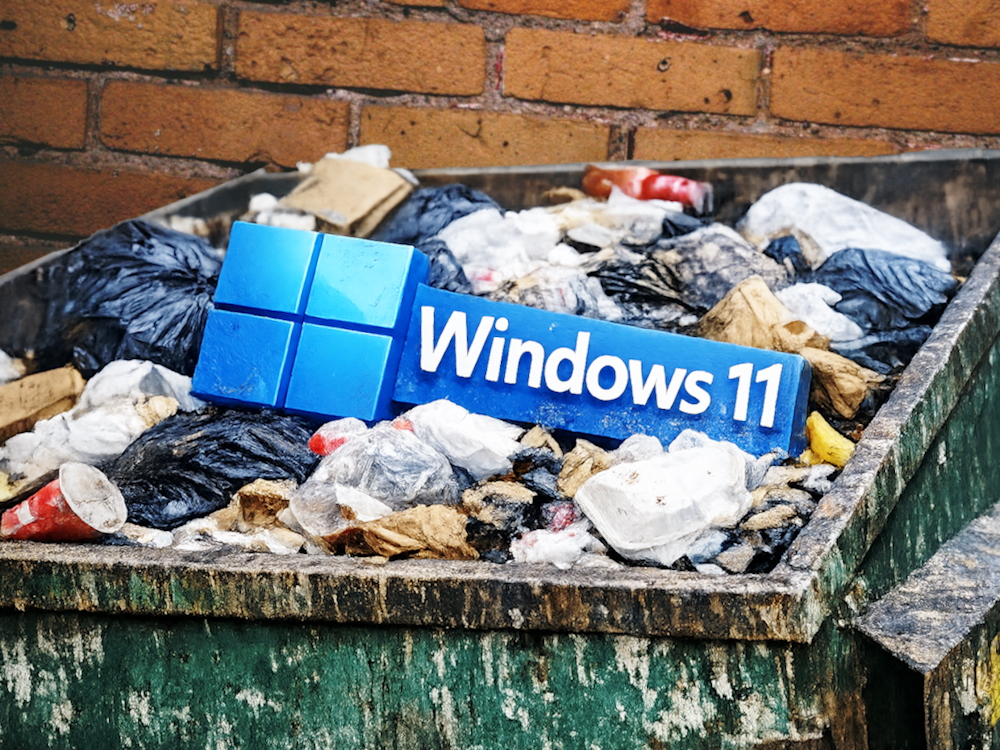
There. That’s out of the way. I recently installed Linux on my main desktop computer and work laptop, overwriting the Windows partition completely. Essentially, I deleted the primary operating system from the two computers I use the most, day in and day out, instead trusting all of my personal and work computing needs to the Open Source community. This has been a growing trend, and I hopped on the bandwagon, but for good reasons. Some of those reasons might pertain to you and convince you to finally make the jump as well. Here’s my experience.
[…]
It’s no secret that Windows 11 harvests data like a pumpkin farmer in October, and there is no easy way (and sometimes no way at all) to stop it. The operating system itself acts exactly like what was called “spyware” a decade or so ago, pulling every piece of data it can about its current user. This data includes (but is far from limited to) hardware information, specific apps and software used, usage trends, and more. With the advent of AI, Microsoft made headlines with Copilot, an artificial assistant designed to help users by capturing their data with tools like Recall.
[…]
After dealing with these issues and trying to solve them with workarounds, I dual-booted a Linux partition for a few weeks. After a Windows update (that I didn’t choose to do) wiped that partition and, consequently, the Linux installation, I decided to go whole-hog: I deleted Windows 11 and used the entire drive for Linux.
This sounds great, can I ask about your impression? What do you like or dislike, or anything that surprised you?
I’m thinking about going to Linux when Windows 10 dies, so am trying to learn what I can from peeps who’ve already made the change
Like: in my opinion was relatively easy to use, obviously some hurdles, but switching to a user friendly distro like Linux Mint or Zorin OS the amount for hurdles wasn’t significantly bigger than moving from let’s say windows XP to 7, or 7 to 10 or 11. Having said that, main hurdles were:
Amazing info mate thank you
Its best to try for yourself, make a list of applications you use and find alternatives on Linux and search about them instead of the OS itself.
For me the biggest hurdle was switching from lightroom to darktable. I just kept putting it off but once I watched a few workflow videos and read some posts on Lemmy for workflows I took my time to set it all up and point dark table to my photos and its been great
Linux distros vary on how they do stuff but generally there isnt really much to do with the OS once its all installed, you open the ‘start menu’ and launch your browser or steam like anything else. If you need Bluetooth you click the Bluetooth icon on the task bar or search settings to edit you mouse or change background/theme etc.
nice, this was interesting to hear, thanks for sharing hey