YouTube added a “jump ahead” button to skip sponsor segments (I think it just goes to the “most watched” area of the video; which is always right after the sponsor segments).
They really don’t want any money being made on the platform unless they’re getting a cut
If a video is popular enough there will be a button to jump to the most watched segment. Nothing to do with sponsors, but sometimes the end of the sponsored segment matches the spike. Use sponsorblock if you want to skip sponsorships reliably
Ooooh that’s a ten second skip! You’ve halved the wear on my right index finger joint over the course of my remaining life, and I can’t thank you enough 🙏 what other keyboard shortcuts are there??
Click on your profile pic and there’ll be a “keyboard shortcuts” button. Generally the most useful (for me at least) are JKL, F for fullscreen, I for pop-out player, and ,/. to skip by 1 frame back/forward


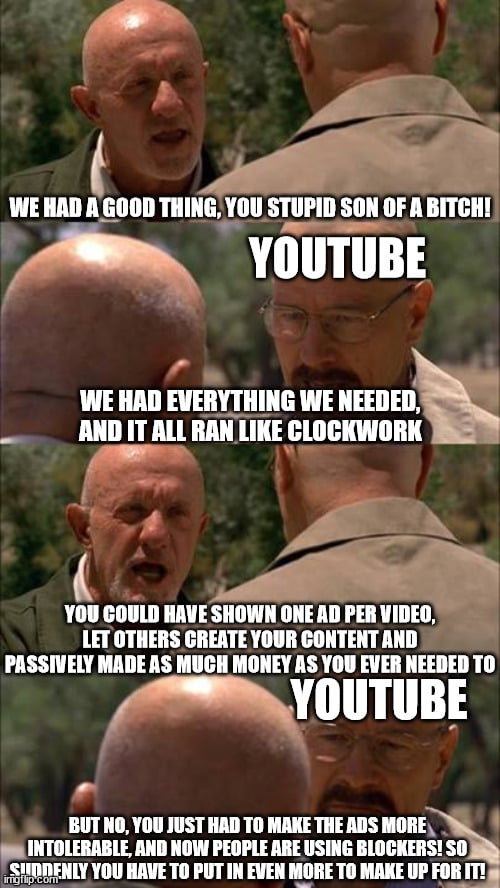
YouTube added a “jump ahead” button to skip sponsor segments (I think it just goes to the “most watched” area of the video; which is always right after the sponsor segments).
They really don’t want any money being made on the platform unless they’re getting a cut
Wait, what? Did they?? I’ve never seen that! Is it just rolling out? It seems like I see their new rollouts later than a lot of others.
If a video is popular enough there will be a button to jump to the most watched segment. Nothing to do with sponsors, but sometimes the end of the sponsored segment matches the spike. Use sponsorblock if you want to skip sponsorships reliably
Honestly I just spam the right arrow key
Try L next time, less spammy
Ooooh that’s a ten second skip! You’ve halved the wear on my right index finger joint over the course of my remaining life, and I can’t thank you enough 🙏 what other keyboard shortcuts are there??
Alt+f4
Click on your profile pic and there’ll be a “keyboard shortcuts” button. Generally the most useful (for me at least) are JKL, F for fullscreen, I for pop-out player, and ,/. to skip by 1 frame back/forward