

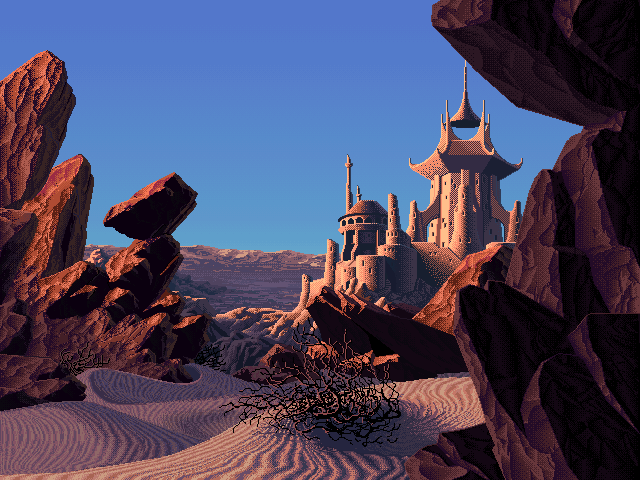
edit: url got cut, http://www.effectgames.com/demos/worlds/
This link is an HTML 5 demo of palette shifting, a method that was widely used in the 90s in computer graphics when you were limited to 256 colors for a scene, i.e. whatever was rendered on a screen. The images shown in the demo all come from an artist who drew and put them together in the 90s, and a developer made a demo that lets you not only pick the scene but also shift the palette on it.
The tech behind it is simple enough: you only have 256 colors max, and each color is mapped to an ID. So color #1 can be #ffffff (pure white) or #000000, or any other color you want. The trick is, two or more color IDs can have the same color on it. Switching the palette could be done on the fly back in the day, so by just loading another palette, you can entirely change the color of a scene. It’s also how they get the animation, they change just a few IDs on the palette very rapidly (but BlendShift is something the artist designed more recently and works by interpolating colors if I understand correctly, giving the animation a smoother look).
Which scene and time of day is your favorite? I have a hard time picking the one I want for my wallpaper lol. I’m gonna try and ‘rebuild’ them and see if I can get a similar time-of-day effect for my wallpaper.
There’s more scenes on this other demo, but no clock to pick the time: http://www.effectgames.com/demos/canvascycle/
Absolutely beautiful artworks and you can imagine the amount of work that went into this not only to paint the scene, but also to code it into a computer afterwards.
I love the use of screen tones on the waterfall one
The jungle waterfall? That one is a classic haha, it’s on almost every wallpaper website.
I like how the sun is moving from the background to the foreground on that one